
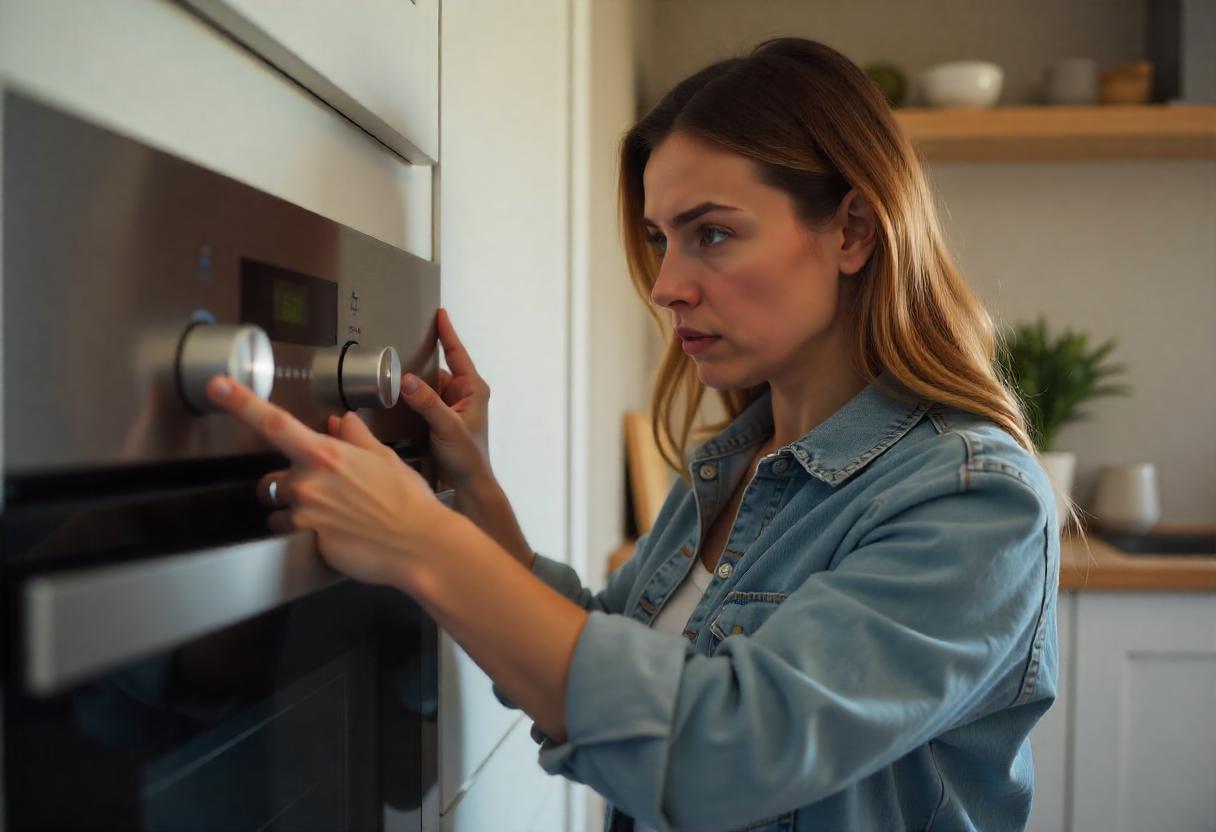
Oven buttons are a crucial part of your cooking routine, allowing you to control settings, temperatures, and timers with ease. When they suddenly stop working, it can be frustrating and disrupt your kitchen flow. Whether you’re trying to bake your favorite meal or preheat the oven, malfunctioning buttons leave you with an appliance that’s more of a headache than a help. In this article, we’ll explore why your oven buttons are not working and how you can fix them today.
Common Reasons Why Your Microwave Oven Buttons Might Stop Working
When your microwave oven buttons stop working, it can be frustrating, but several common reasons could explain the issue. Here’s a breakdown of what might be causing the problem:
1. Power Supply Problems
A faulty or interrupted power supply can make your microwave oven buttons unresponsive. Check to see if the microwave is properly plugged in, or if a power surge has caused an issue. Resetting the power might resolve this quickly.
2. Control Lock Activation
Many modern microwaves come with a control lock feature to prevent accidental button presses. If the microwave oven buttons are not working, this feature could be activated. You can usually find instructions on how to disable the control lock in the user manual.
3. Dirt or Grease Buildup
Microwave ovens are prone to getting dirty from spills or grease. If debris builds up around the button area, it can interfere with their functionality. Regularly cleaning the button panel can help prevent unresponsiveness.
4. Worn-Out Control Panel
If your microwave is old, the control panel or the button membrane might be worn out. Over time, frequent use can cause the buttons to stop functioning properly. Replacing the control panel may be necessary.
5. Touchpad Malfunction
For microwaves with a touchpad interface, issues with the touchpad itself can lead to buttons not responding. A malfunctioning touchpad could either be a result of wear and tear or electrical issues within the device.
If your microwave oven buttons are not working, one of these issues is likely the cause. If the problem persists, it may be time to contact a professional for repairs.
Step-by-Step Troubleshooting for Oven Button Issues

If you’ve ever had your oven buttons stop responding, it can be a frustrating experience. However, you don’t always need a professional to fix the issue. Here’s a simple troubleshooting guide to help you resolve oven button problems:
1. Check the Power Source:
Start by ensuring that your oven is properly plugged in and receiving electricity. If there’s an issue with the outlet, try resetting your home’s circuit breaker or using a different power source to test the oven.
2. Inspect and Disable Control Lock:
If your oven has a control lock feature, check whether it’s been accidentally activated. Follow your oven’s user manual to disable the control lock and regain access to the buttons.
3. Clean the Control Panel:
Carefully clean the control panel, especially if you’ve noticed dirt or grease buildup. Use a soft cloth and mild cleaner, but avoid harsh chemicals that could damage the sensors or electronics.
4. Reset the Oven:
Sometimes, resetting the oven’s power by turning it off for a few minutes and then back on can resolve minor button malfunctions. This is especially useful after power surges or minor glitches.
By following these steps on how to fix oven buttons, you can often restore your oven to full functionality without needing professional repair.
Conclusion/Final Thoughts: Getting Your Oven Back to Full Functionality
Oven buttons not working can be a frustrating problem, but with a few troubleshooting steps, you can often solve the issue without needing a professional. Regular maintenance and cleaning are essential for preventing future problems. However, if your control panel is worn out or the touchpad is faulty, it’s best to contact a professional Wolf Oven Repair Atlanta to fix the issue properly.
Don’t hesitate to reach out to Sub Zero Wolf Repair Atlanta for help with complex Wolf oven troubleshooting services, and fixing issues like an oven timer not working. We offer expert repair services to keep your oven in top condition.
Frequently Asked Question
Why won’t the buttons on my oven work?
- Your oven buttons may not work due to faulty wiring, control board issues, or moisture buildup. Check for error codes and reset the oven to troubleshoot.
Why is my oven switch not working?
- A malfunctioning oven switch could result from a tripped circuit breaker, faulty wiring, or a broken switch mechanism. Inspect the wiring or seek professional repair assistance.
How do I reset my oven control?
- To reset your oven control, turn off the power at the breaker for 1-2 minutes, then restore power. Check if the control panel operates normally afterward.
Can an oven just stop working?
- Yes, an oven can stop working due to issues like power failure, faulty control boards, damaged wiring, or overheating sensors. Check for power or seek repair services.
For more repair tips, visit Atlanta’s best Sub Zero and Wolf appliance repair services.
